Single Edit
info
You can only edit mice if your account has the edit, delete, or admin role assigned. The first account created when signing up to Mouse-Cloud automatically has the admin role assigned.
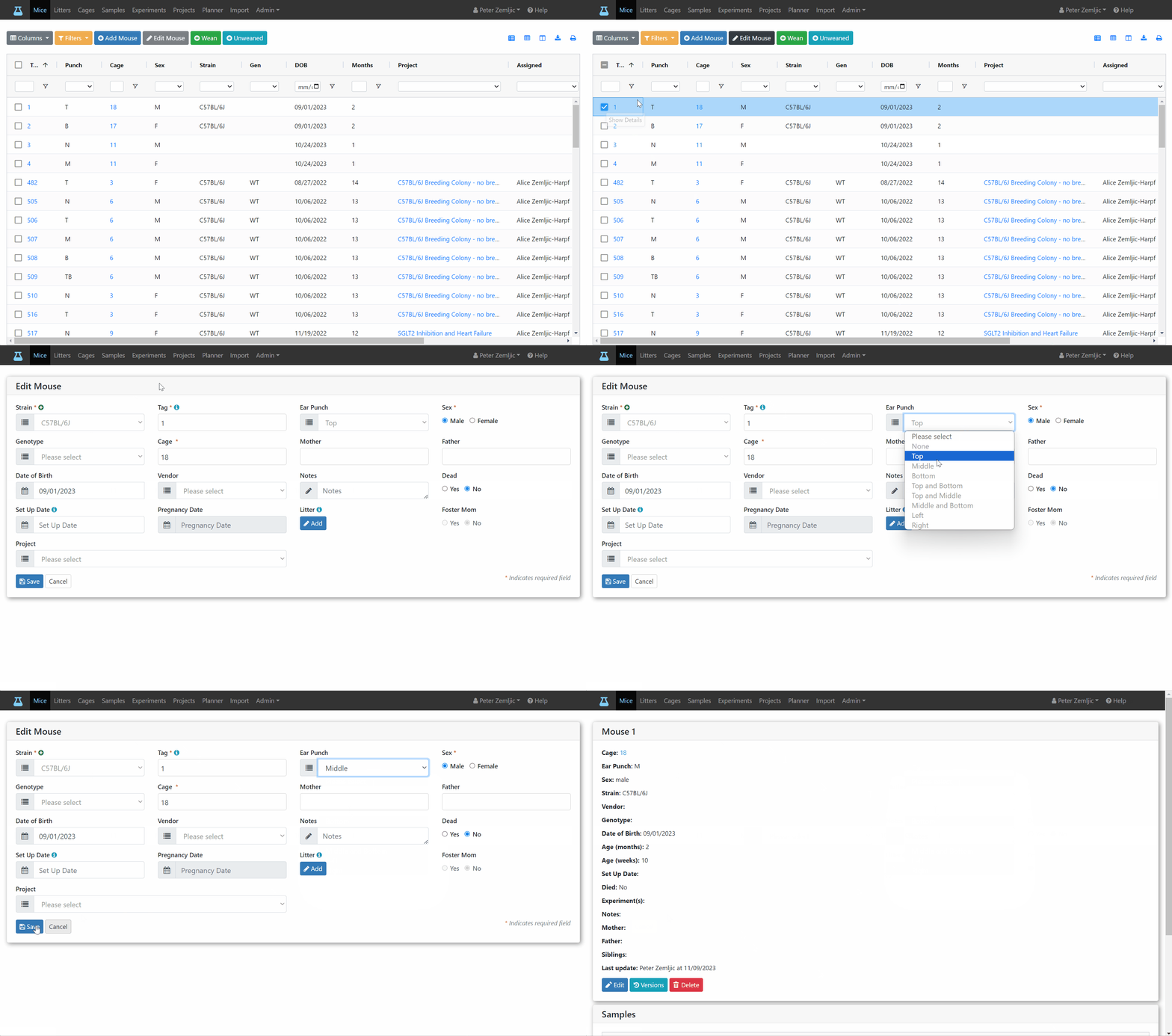
Let's say we entered a wrong ear punch for mouse 1 and would like to fix that. Here are the steps.
- Click on the checkbox of the table row (or anywhere in the row except for links) to select the mouse you would like to edit.
- Click on the
Edit Mousebutton at the top. - Make your changes in the Edit Mouse form.
- Click the
Savebutton at the bottom.
info
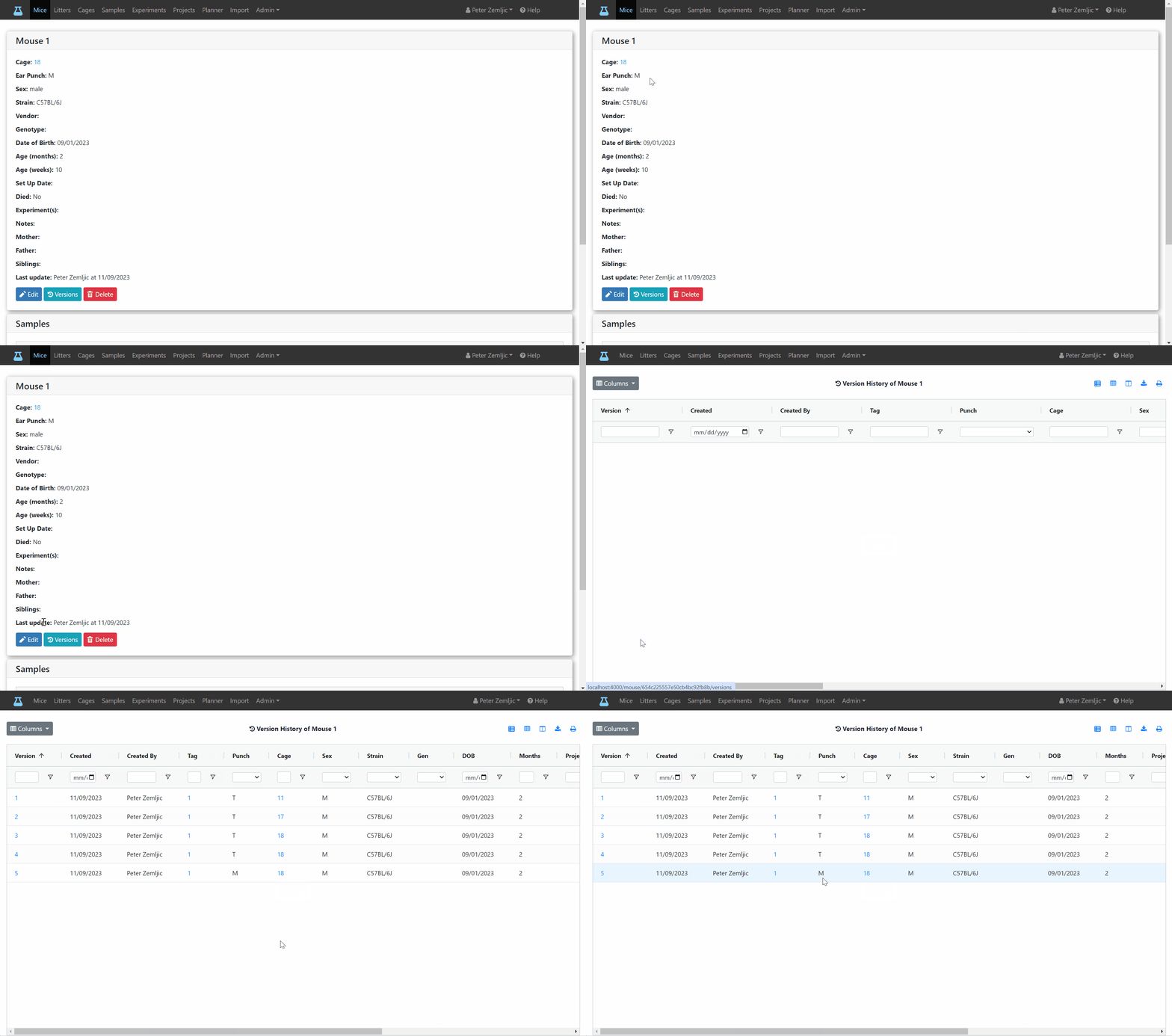
You can see when the ear punch changed from T to M and by whom in the version history.